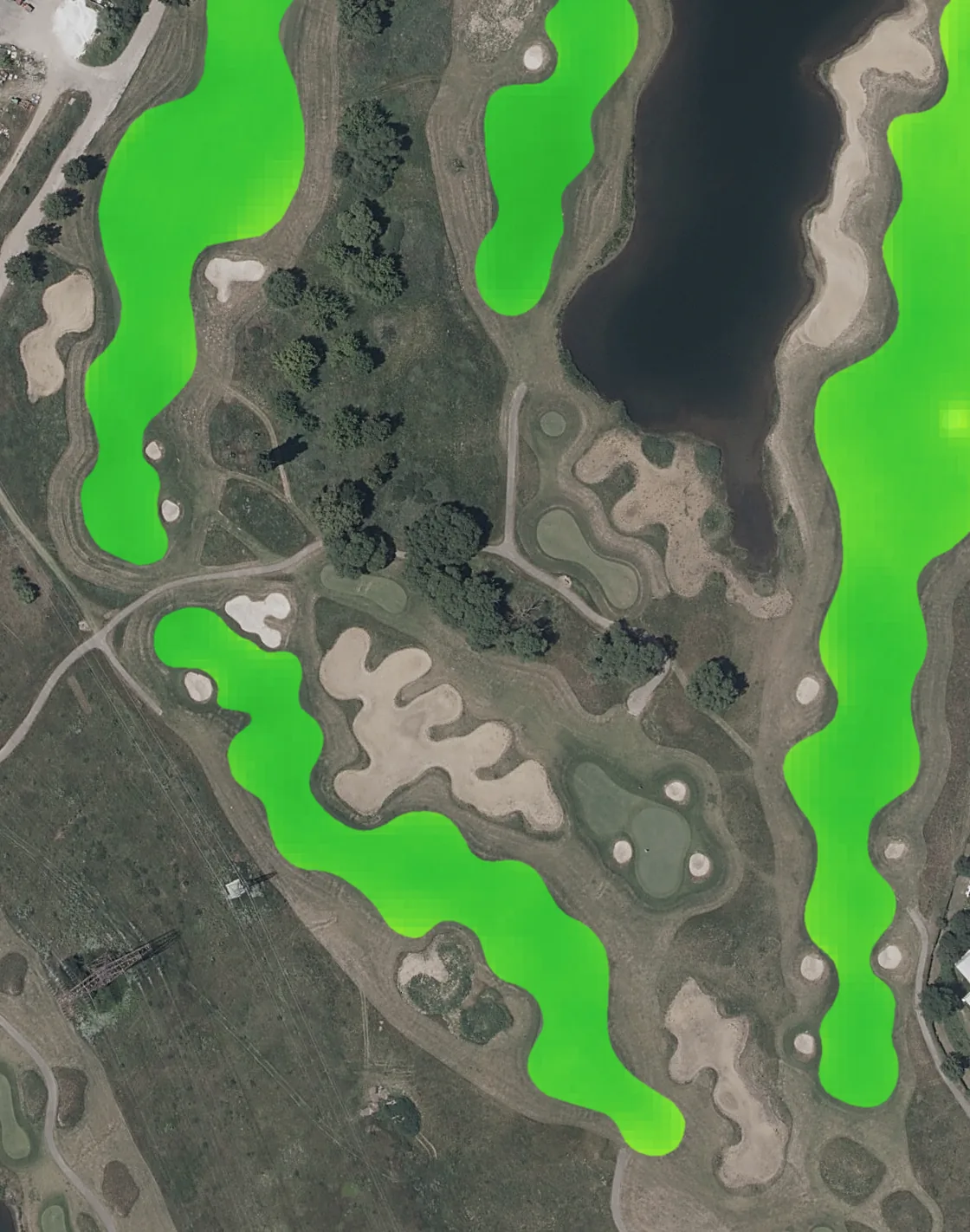
 Normal for mid August
1Every hole against its own normal
Each hole has its own normal, learned from up to 7 years of satellite records: what this hole usually looks like at this time of year.
How it works
Normal for mid AugustEach hole has its own normal, learned from up to 7 years of satellite records: what this hole usually looks like at this time of year.
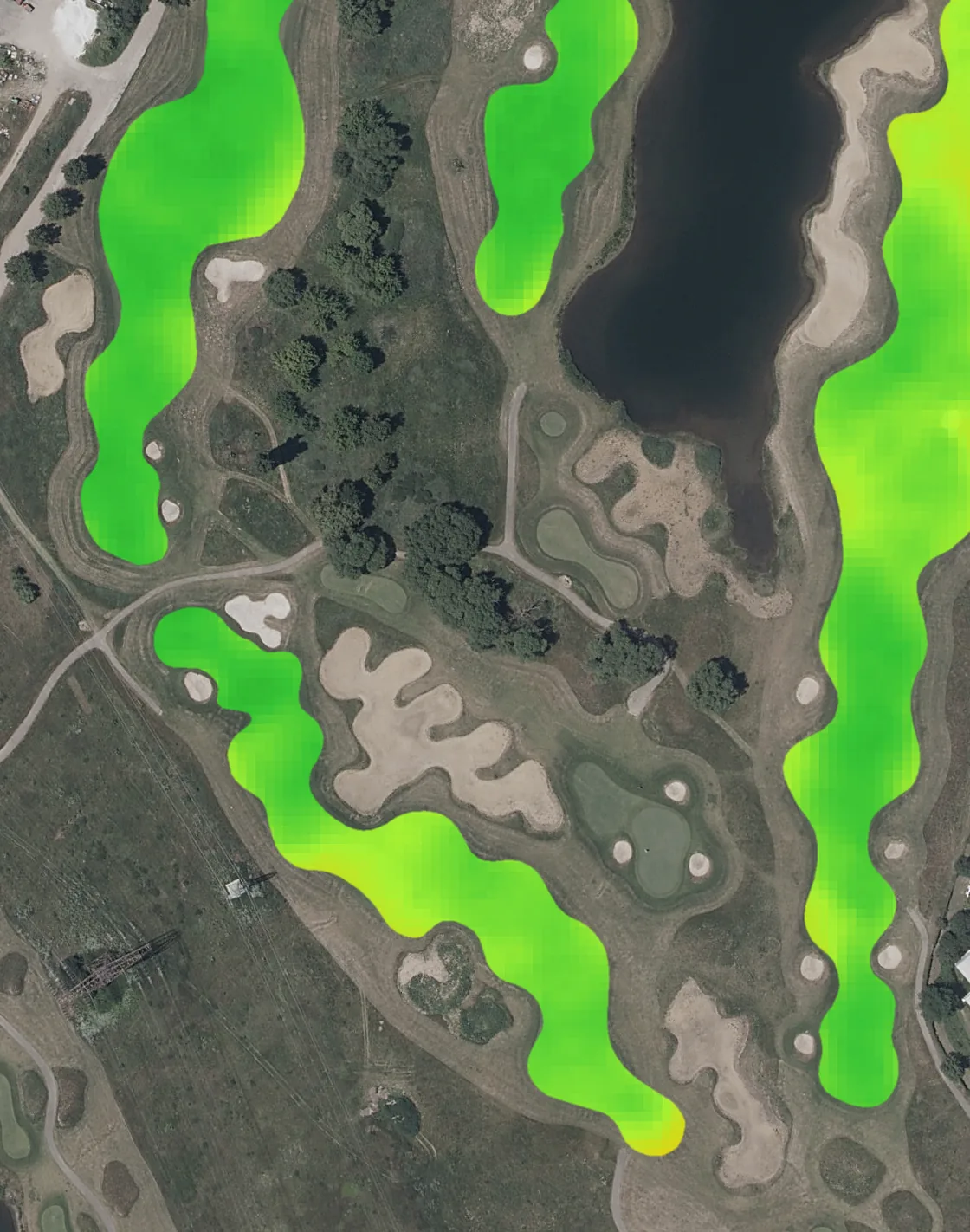 New clear image
Whenever a satellite passes over on a clear day, TurfSat picks up the new image. Nothing to install, nothing to walk out and read.
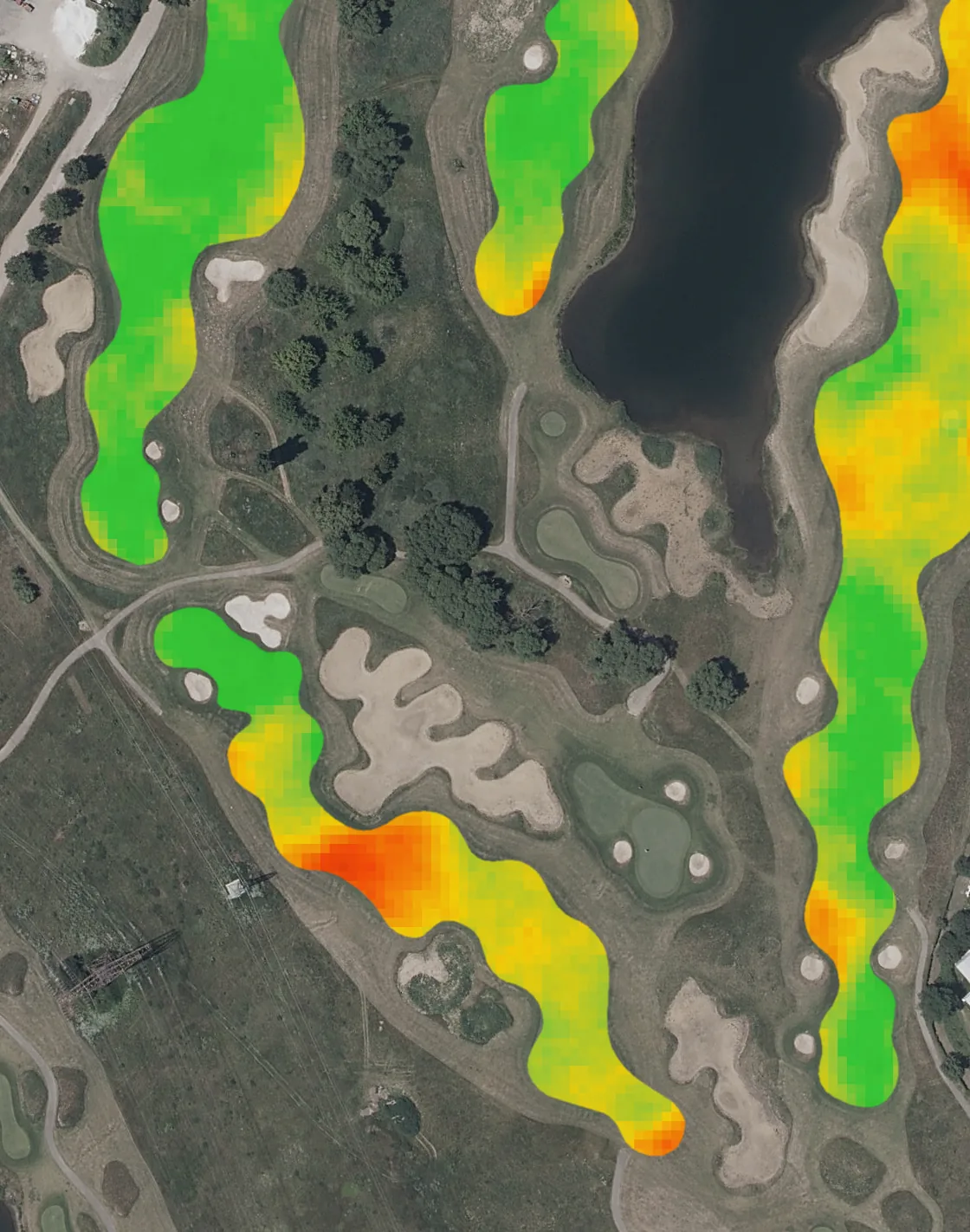 Difference from normal
Healthy, worth watching, or needs a look today. The holes that need you rise to the top of the list, with the reason attached.
Tell TurfSat whether the alert was right, log the work in the Diary, and follow the hole back towards its normal.
The normal
Turf changes through the season, so normal in April is not normal in August. Each hole's level is set by how it compares with its own seasonal normal.
No. Everything comes from satellite imagery and weather data. There are no sensors to install or maintain.
Holes differ: shade, soil, grass, traffic. A hole that is always a little pale is normal for that hole. Comparing each hole with its own seasonal normal flags real change, not permanent differences.
No. Grass moisture is the moisture held in the grass itself, shown as drier or wetter turf. For the soil underneath, a moisture probe is still the tool.
Clouds block the view, so there is no new reading for those days. TurfSat waits for the next clear image, and does not send empty email reports during cloudy stretches.
They can change how turf looks from above without anything being wrong. In those conditions an alert is held instead of being raised.
Yes, as context: rainfall, temperature and drying demand over recent days, from your course station or model weather. Weather is context, not a diagnosis.
Only the people you invite. Access is by invitation and set per course, with Viewer, Team member and Admin roles.